Real estate agents who work leads over weeks and months and need a follow-up system that does not depend on memory.
How it works
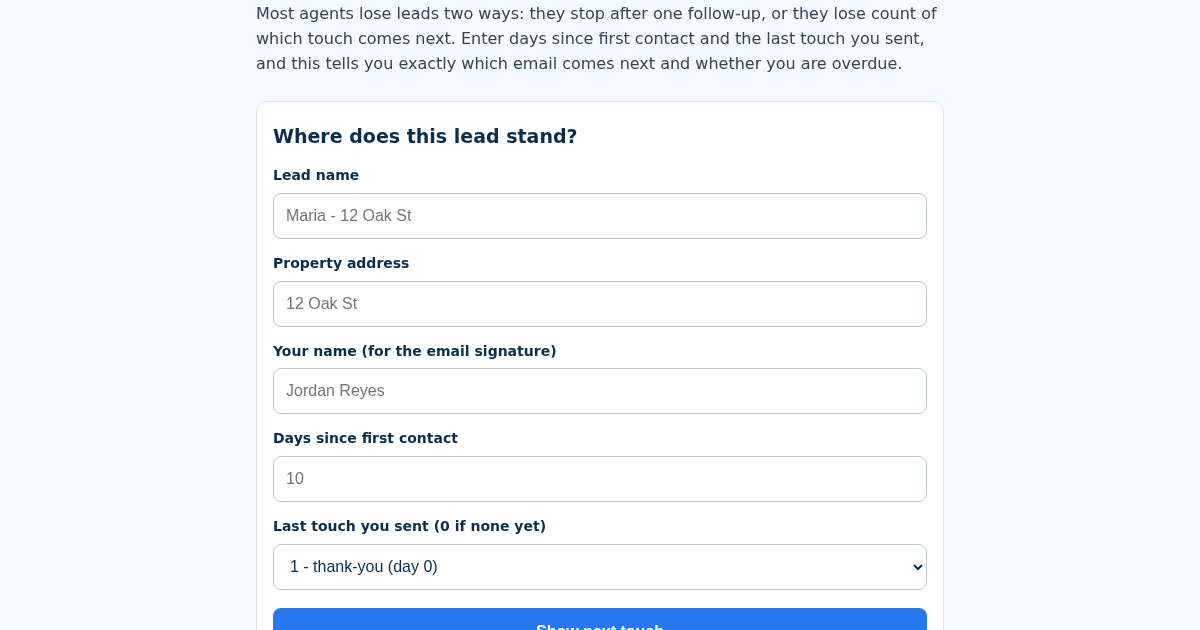
- Name the lead, e.g. "Maria - 12 Oak St".
- Enter the property address and your name as it should appear in the email.
- Enter days since first contact and the last touch number you actually sent (0 if none yet).
- Read which touch is next, whether you are overdue or on time, and copy the ready-made email.
What you gain
- 8-touch follow-up cadence (day 0, 3, 7, 14, 30, 60, 90, then quarterly) applied as arithmetic, not guessed
- Tells you exactly which touch is next, and whether you are overdue (and by how many days) or still waiting
- Generates the matching email template for that exact touch, filled with the lead's name, property and your signature
- No AI generation: fixed, professional templates per touch, filled deterministically from your inputs
Screenshot
Technical details
How to set up & use
- Buy the license — your key (lic_...) appears on the order page and in your email.
- Sign in at app.synoriaai.com with your license key.
- No installation — the product runs in your browser, on your own isolated instance.
- 1. Enter the lead's name (e.g., 'Maria - 12 Oak St') in the 'Lead name' field.
- 2. Enter the property address and your name (agent) in the respective fields.
- 3. Enter the number of days since the last contact and select which touch (1-8) was the last one from the dropdown.
- 4. Click 'Calculate Next Touch' to see your status (e.g., 'overdue by 7 days') and the next touch number.
- 5. Review the generated email template, which is pre-filled with the lead's name, property, and your signature. Copy and send it.
Frequently asked questions
Is my lead data stored or shared?
No. All data is processed locally in your browser. We do not store, transmit, or share any lead information. Your entries are used only to calculate the next touch and generate the template.
Does this tool use AI to write emails?
No. The email templates are fixed, professional templates written by humans. The tool simply fills in the lead's name, property, and your signature based on your inputs. No AI generation is involved.
What happens if I enter a lead name that already exists?
If you use the same lead name, the tool updates that lead's information instead of creating a duplicate. This ensures your follow-up history stays accurate.
Related products
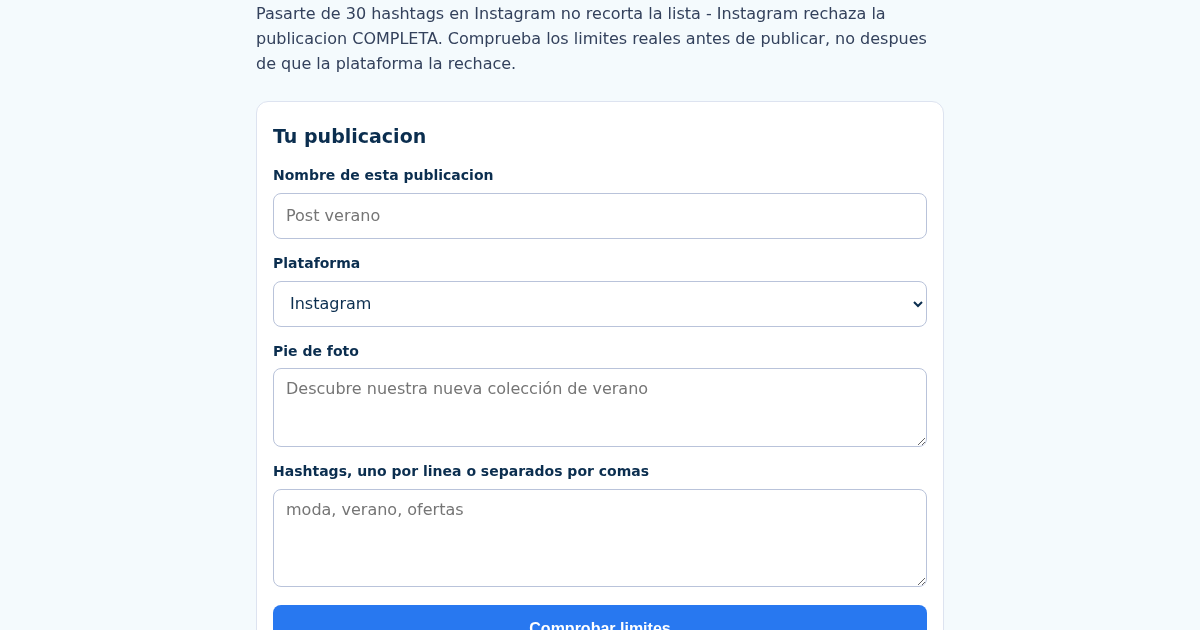
SocialCaption: Verificador de Límites de Caracteres y Hashtags para Instagram y TikTok
Pasarte de 30 hashtags en Instagram no recorta la lista - Instagram rechaza la publicacion completa, y muchos negocios lo descubren solo cuando el post no se publica. Introduce tu pie de foto, tus hashtags y la…
SocialCaption: Verificador de Límites de Caracteres y Hashtags para Instagram y TikTok
Pasarte de 30 hashtags en Instagram no recorta la lista - Instagram rechaza la publicacion completa, y muchos negocios lo descubren solo cuando el post no se publica. Introduce tu pie de foto, tus hashtags y la…
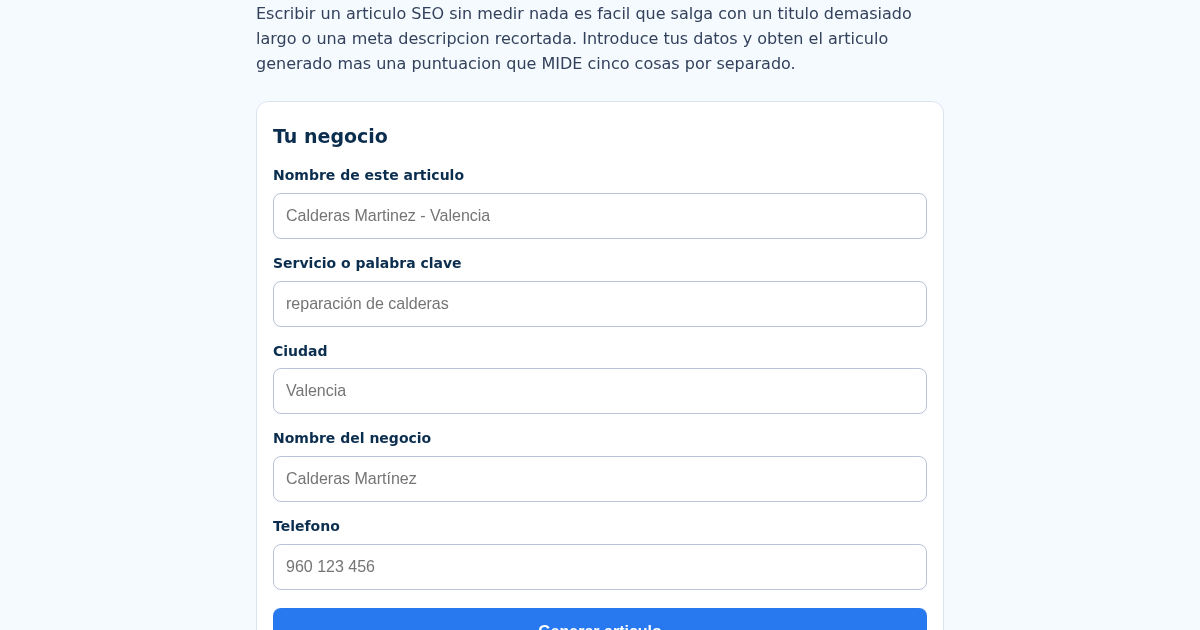
SEOLocal: Generador de Artículos SEO para Negocios Locales
Escribir un articulo SEO nuevo para cada negocio es lento, y sin medir nada es facil publicar un titulo demasiado largo o una meta descripcion que Google recorta. Introduce tu servicio, ciudad, nombre del negocio y…
SEOLocal: Generador de Artículos SEO para Negocios Locales
Escribir un articulo SEO nuevo para cada negocio es lento, y sin medir nada es facil publicar un titulo demasiado largo o una meta descripcion que Google recorta. Introduce tu servicio, ciudad, nombre del negocio y…